


There are 3 different ways to solve this issue:-
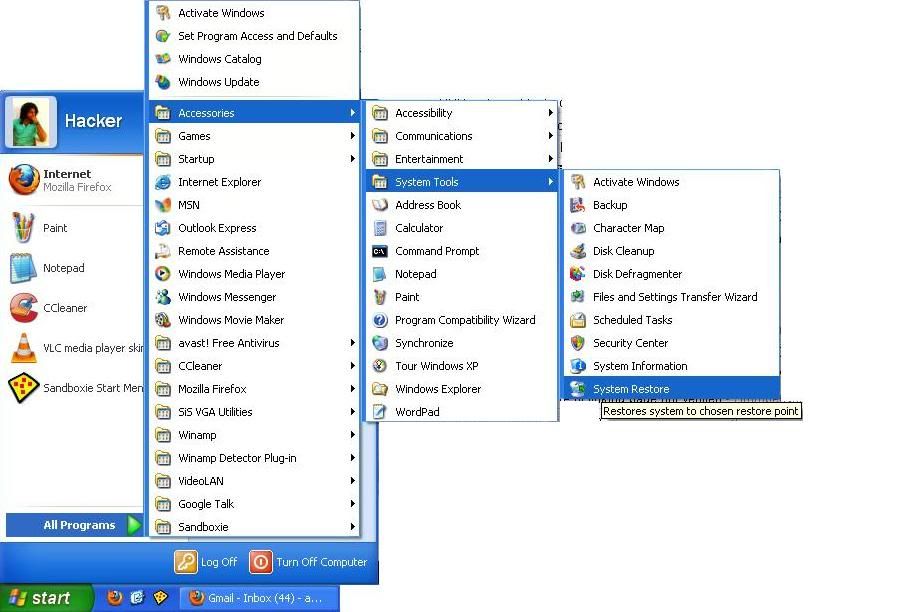
1) System Restore
If you have done Windows Update and got Windows Genuine notification error, you can do a system restore. Restore to a point where Windows update is not done.
To remove WGA manually, go to C:\WINDOWS\system32 and delete wgatray.exe and wgalogon.dll
3) Delete WGA entry from registry
Access the Windows Registry.
Go to HKEY_LOCAL MACHINE \Software \Microsoft \Windows NT\Current Version\Winlogon \Notify Wgalogon
Just Right-Click on Wgalgon and delete it and restart your PC
And now you are NOT a victim of software counterfeiting..!!!


0 komentar:
Speak up your mind
Tell us what you're thinking... !