

First open http://www.lockbin.com/lockbin.php
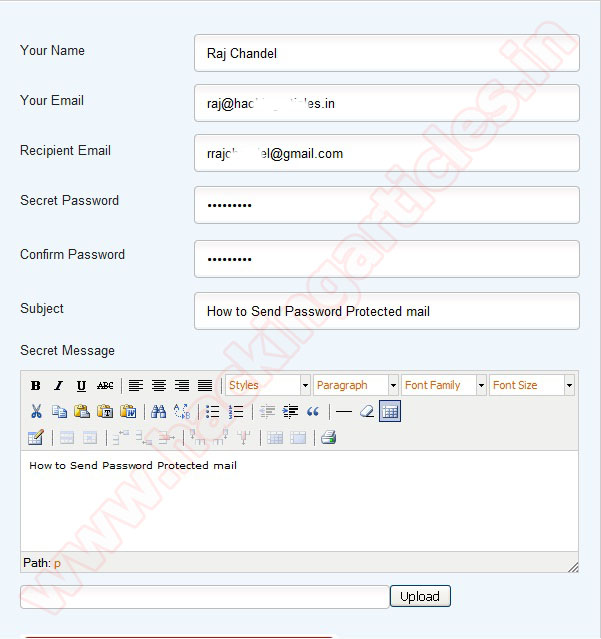
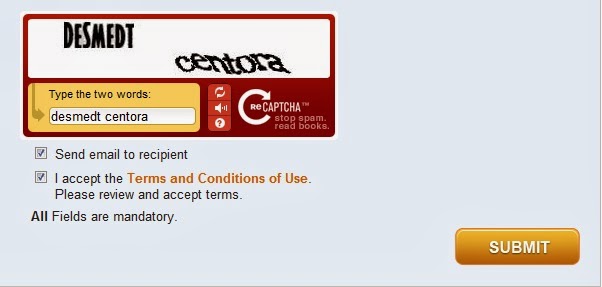
Now enter “your name”, “your email address”, “Recipient email address” and set a “secret password”. You have to inform this secret password to receiver through phone call, text message, email etc. Receiver cannot read your mail until he/she know your secret password. Now you compose your private mail content. Enable the option “I accept the term and condition” and click on “Submit”.
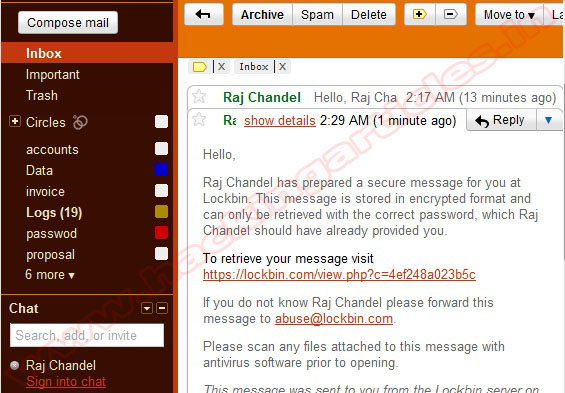
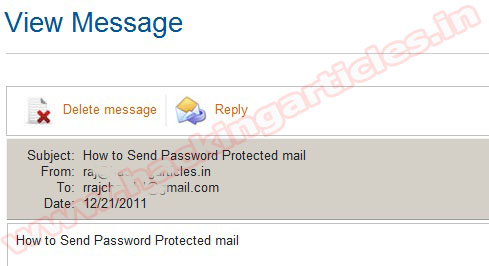
Receiver will get an email to read the message you sent
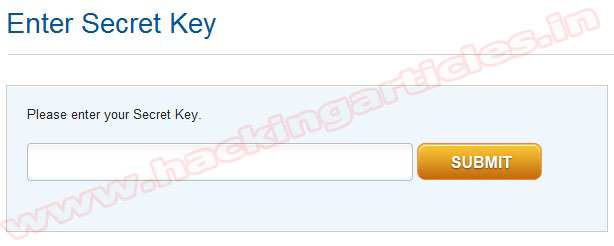
To read your message receiver just needs to enter the secret key you provided. Then enter your secret Key and submit it.
After submitting key Receiver can view message.


0 komentar:
Speak up your mind
Tell us what you're thinking... !